7 Best Code to Image Converters for Developers (2026)
Have you ever tried sharing your code on a platform that doesn’t support formatting?
You paste the code, and everything breaks.
- Indentation is ruined.
- Syntax colors disappear.
- Suddenly, your clean code is hard to read.
The same thing happens in slides or blog posts.
Your code works perfectly, but it looks dull and unprofessional.
This is where code to image converters help.
These tools turn your code snippets into clean, visually attractive images in seconds, no formatting or complex design tool headaches.
In this guide, we’ve listed the best code to image converters you can use right away.
Whether you’re sharing code on social media, adding examples to a blog, or placing snippets in presentation slides, these tools make the process simple.
Let’s jump in, so you can spend more time writing code and less time fixing how it looks.
Code to Image Converters
Here are some of the best platforms for turning your code into awesome images, along with their key features and pricing.
Snappify
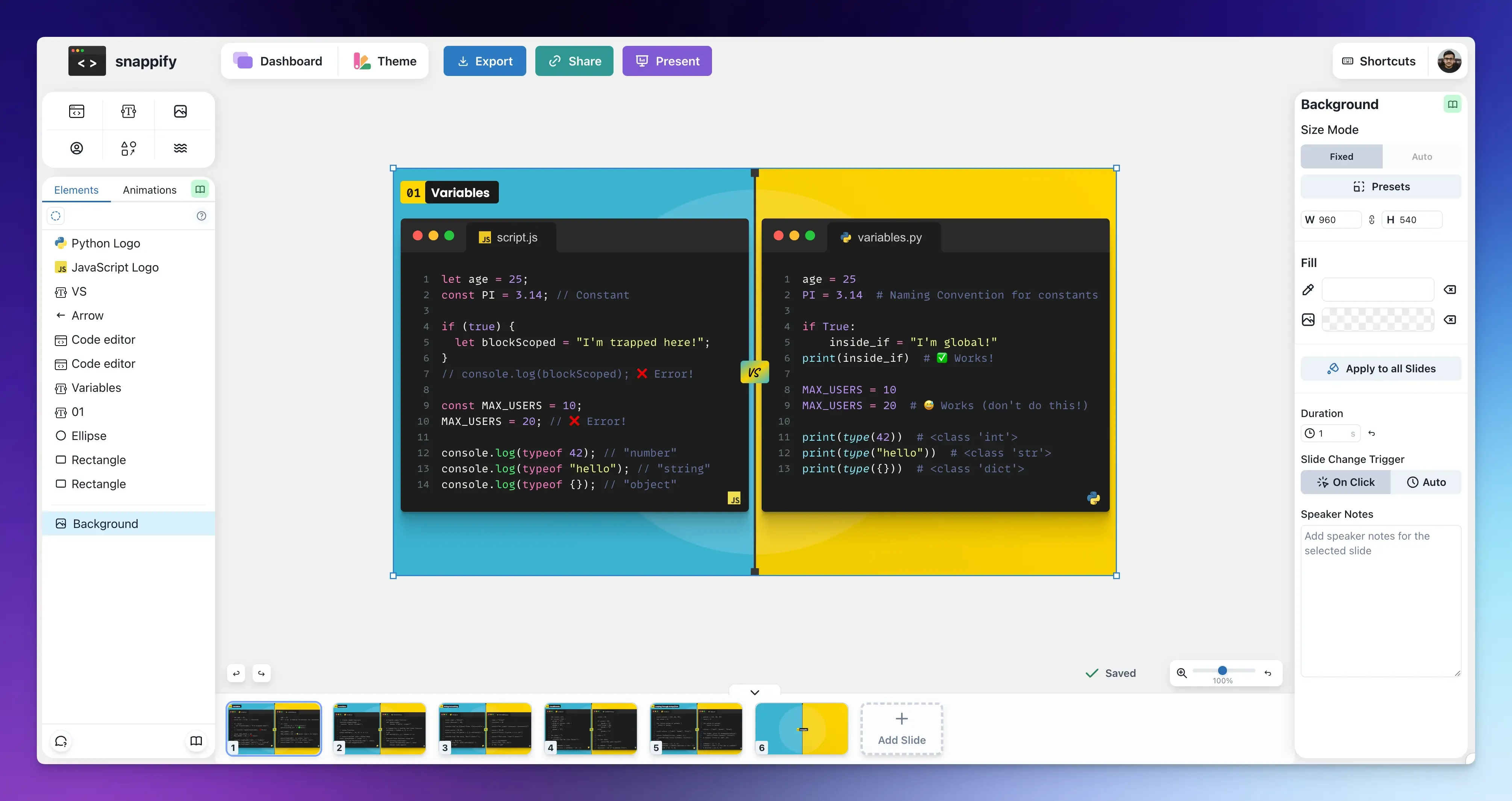
Snappify is one of the best platforms for turning your code snippets into visually engaging, animated graphics.
It’s more than just a code-to-image converter. It’s a fully-featured visual editor and graphic design tool built specifically for code explanation.
You can create anything from a single image of a code snippet for social platforms to a multi-slide animated video tutorial for your coding courses, documentation, or blog posts.
Its developer-friendly interface makes it super easy to achieve professional visual results without learning complex software.
You can capture code directly from your IDE without copying and pasting or switching applications.
For those who regularly create content, Snappify’s built-in library lets you organize and store all your previous snippets and slides in a searchable dashboard so you can reuse them whenever you want.
That’s not all!
Here are some more useful features:
- Rich-text Editor: Snappify’s powerful design editor lets you create eye-catching visuals with drag-and-drop functionality. You can add text, arrows, and custom images to explain your code snippet. You can also blur, gray out, highlight specific lines, or mark them as added or removed to show code changes.
- AI Explanations: Use AI to generate text explanations for your code snippets with a single click.
- Sharing and Export: Share a live public URL and export content as high-quality images, MP4 videos, or animated GIFs.
- Interactive Embeds: Use the embed feature to place live code snippets on popular platforms (such as Notion and Hashnode). Viewers can copy the code directly from your page without leaving the site.
- Branding and Customization: Add your profile picture, social media handles, custom logos, and use specific color schemes to make your technical posts stand out and maintain a consistent brand identity.
- Integrations and APIs: It includes extensions for VS Code and IntelliJ, as well as an API for automating image creation.
Best for: Developers, educators, technical content creators, and anyone who needs to explain code in the most engaging way possible.
Pricing:
- Free Plan: Includes core features but adds a watermark to exports and limits you to 3 stored snaps and 5 slides per presentation.
- Starter Plan: $5/month. It removes watermarks, increases storage to 500 snaps, and allows 50 slides per presentation.
- Professional Plan: $9/month. It unlocks unlimited snaps and slides.
- Team Plan: $32/month. Adds collaboration for up to 4 members, priority support, and increased API limits.
Ray.so
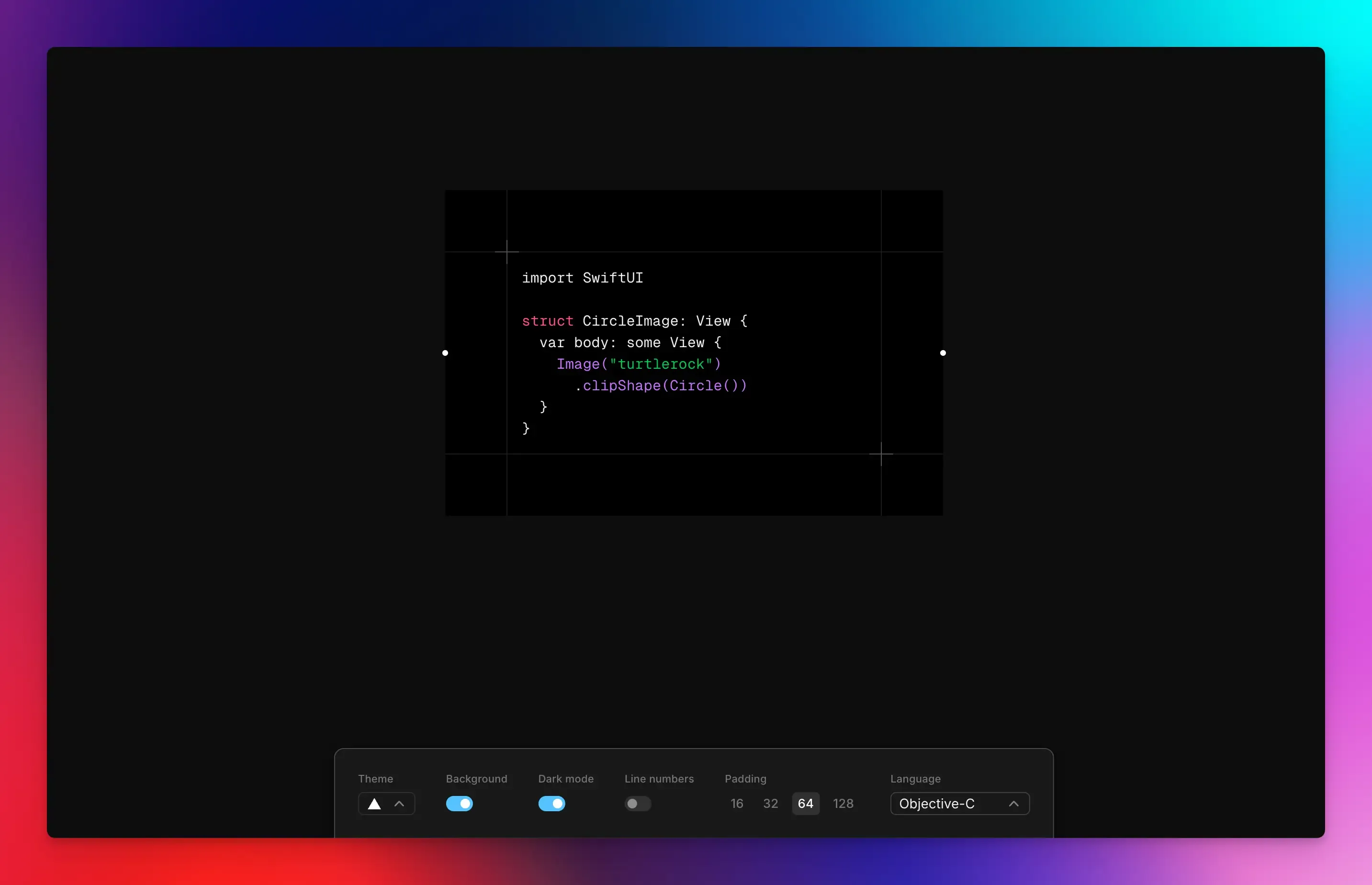
If you need to share your code quickly but want it to look good, Ray.so is your go-to tool.
It is specifically designed to generate static images of your code via a simple web interface.
You paste your code, pick a theme, and in seconds, you have a clean, high-resolution image that’s far more interesting than plain text.
You can also look into our guide about the best ray.so alternatives.
Key Features:
- Visual Customization: Change the look of your snippet using various pre-made themes and fonts to match your style. You can choose between dark or light mode, turn background on or off, and add padding around your snippet to make it look more readable.
- Language Support: It applies the correct syntax highlighting for a wide range of programming languages.
- Simple Export: Download your finished creation as a PNG image or copy a shareable link with just one click.
Best for: Developers and tech content creators who need to share code on social platforms.
Pricing: Free
Carbon
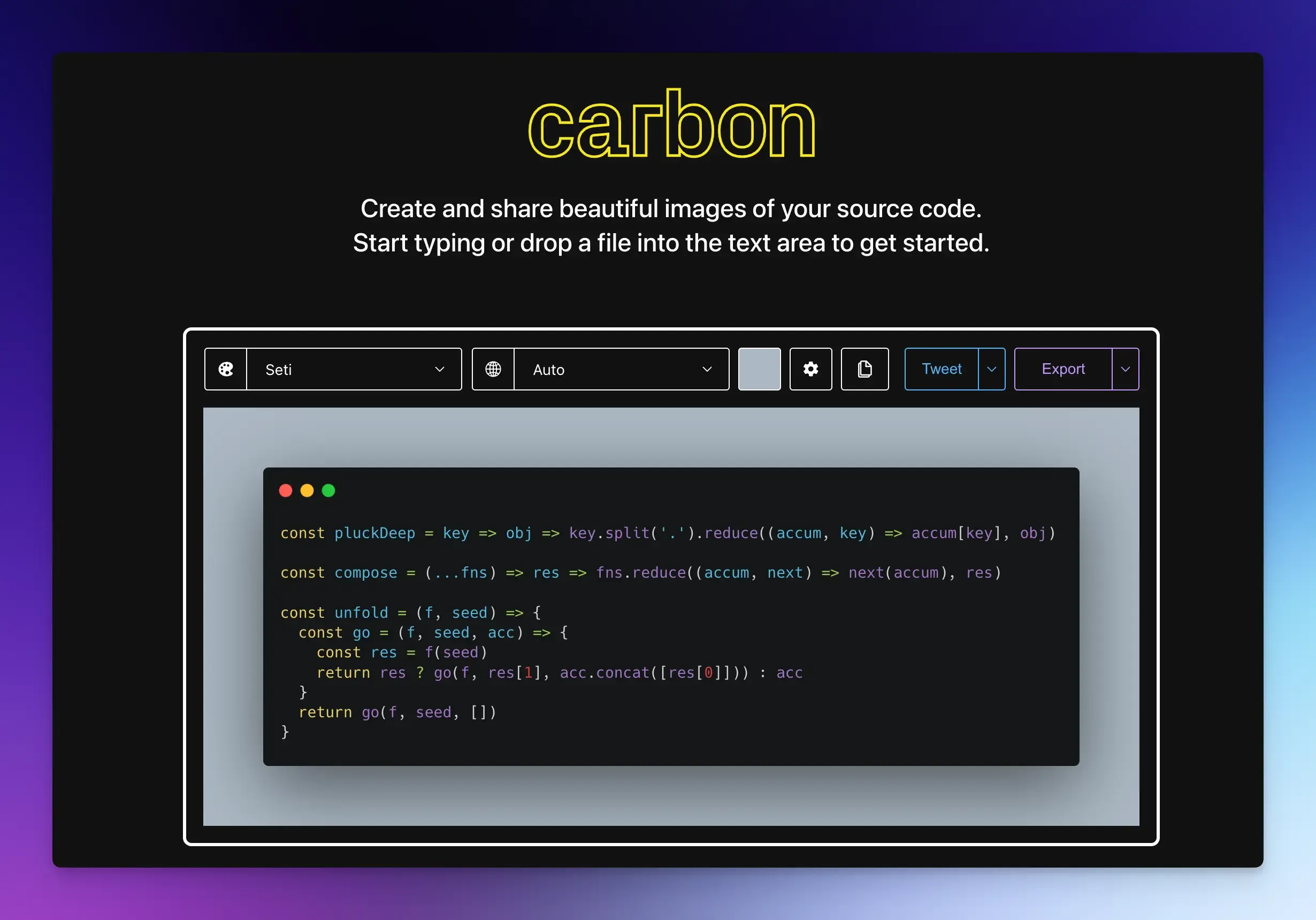
Carbon is another classic web-based code to image converter for creating beautiful static code images with syntax highlighting.
Key Features:
- Themes: Choose from dozens of color themes like VS Code, Dracula, or Monokai.
- Programming Language: It automatically detects or lets you set the language for accurate syntax highlighting.
- Background Customization: Adjust the background color, add window frames or shadows.
- Fonts: Select from a list of monospace fonts for readability.
- Export: Share the final image as a PNG or SVG file.
Best for: Quick snippet visuals for blogs, documentation, or socials.
Pricing: Free
CodeToImg
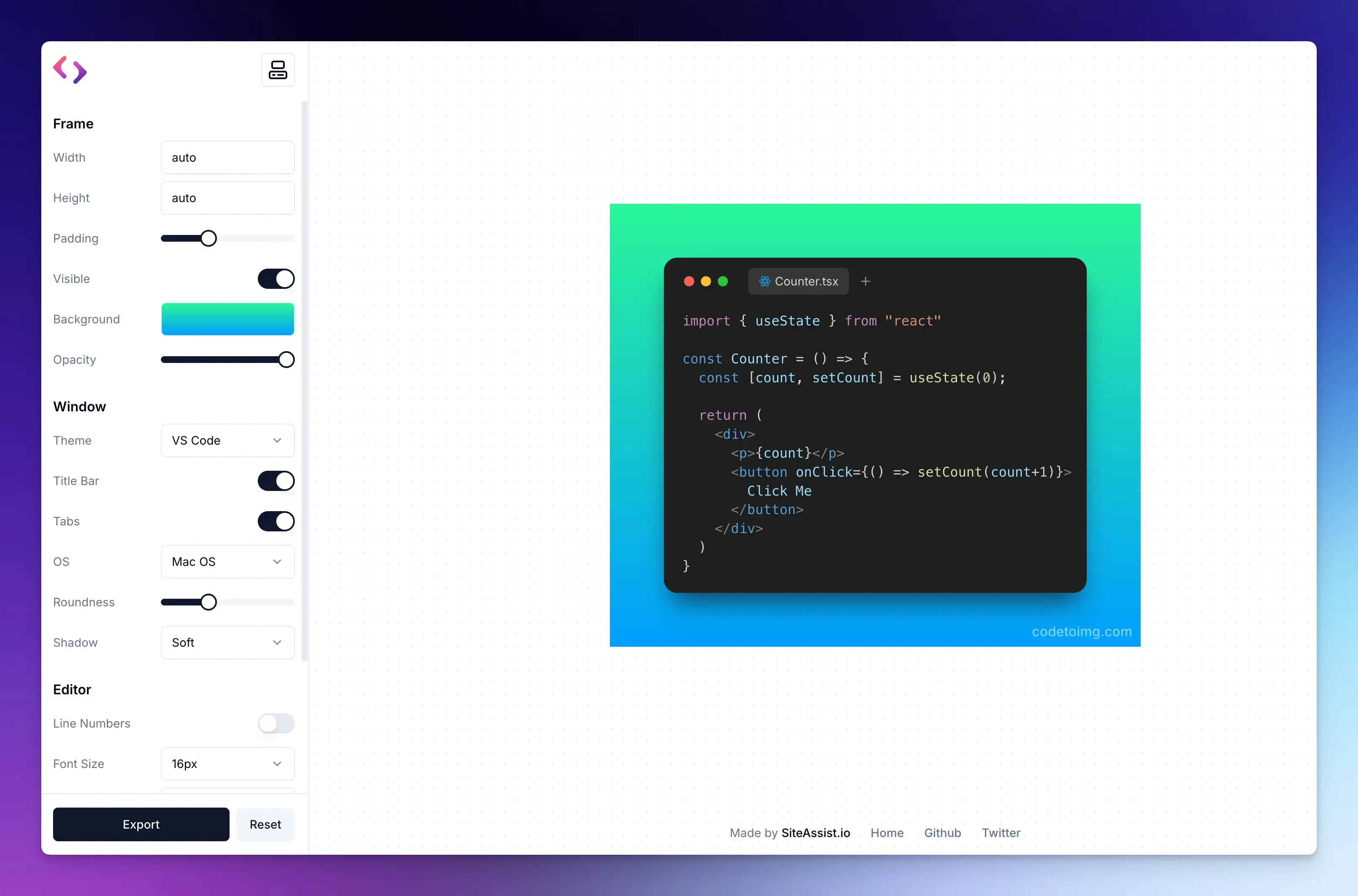
If you like Carbon, CodeToImg is a direct alternative. It offers a modern-looking user interface for generating quick, static code images.
Key Features:
- Customization: Apply different color themes and fonts to make your snippet look good. You can also adjust the background color, include a shadow for depth, or add window controls.
- Syntax Highlighting: It supports syntax highlighting in all major programming languages.
- Control the Output: Set the image padding, choose the output format, and control the image size or resolution.
- Image Export: Share as a PNG or SVG file with one click.
Best for: Instant sharing on platforms like X, Facebook, LinkedIn, or in your technical blog posts.
Codzly
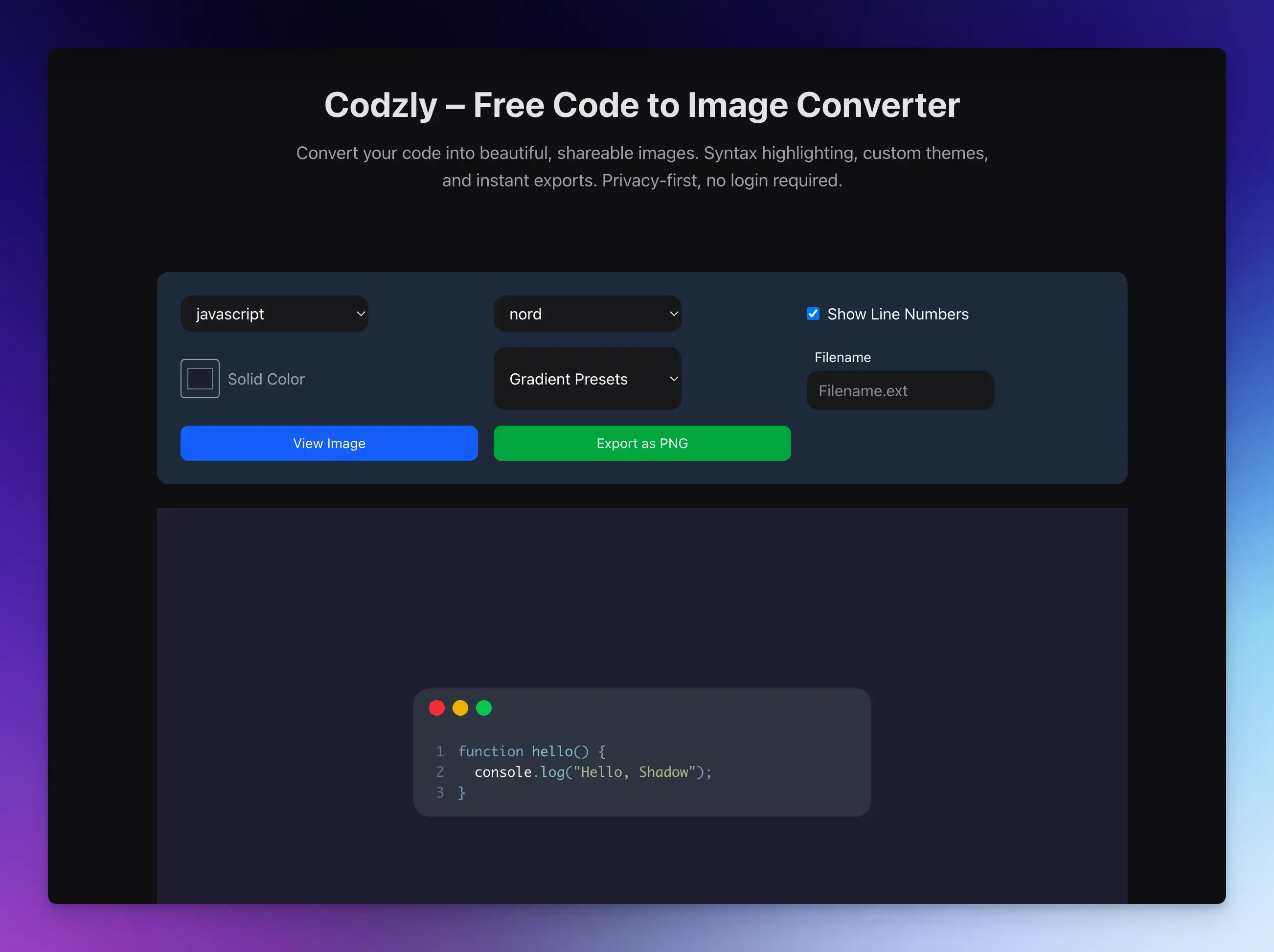
Codzly stands out for running entirely in your web browser, keeping your code private and making it very fast to use.
Since everything happens locally in your browser, your proprietary code or any sensitive snippets never leave your computer. There’s no waiting for server processing, which makes it feel very responsive.
Key Features:
- Customization: Choose from multiple color themes for syntax highlighting, toggle line numbers on or off, and customize background styles.
- File Labeling: You can add a custom file name to the top of your snippet image, which is great for organizing tutorial content.
- Instant Sharing: Generate and download your high-resolution code image in seconds.
Best for: Developers who care about privacy.
Pricing: Free
Showcode
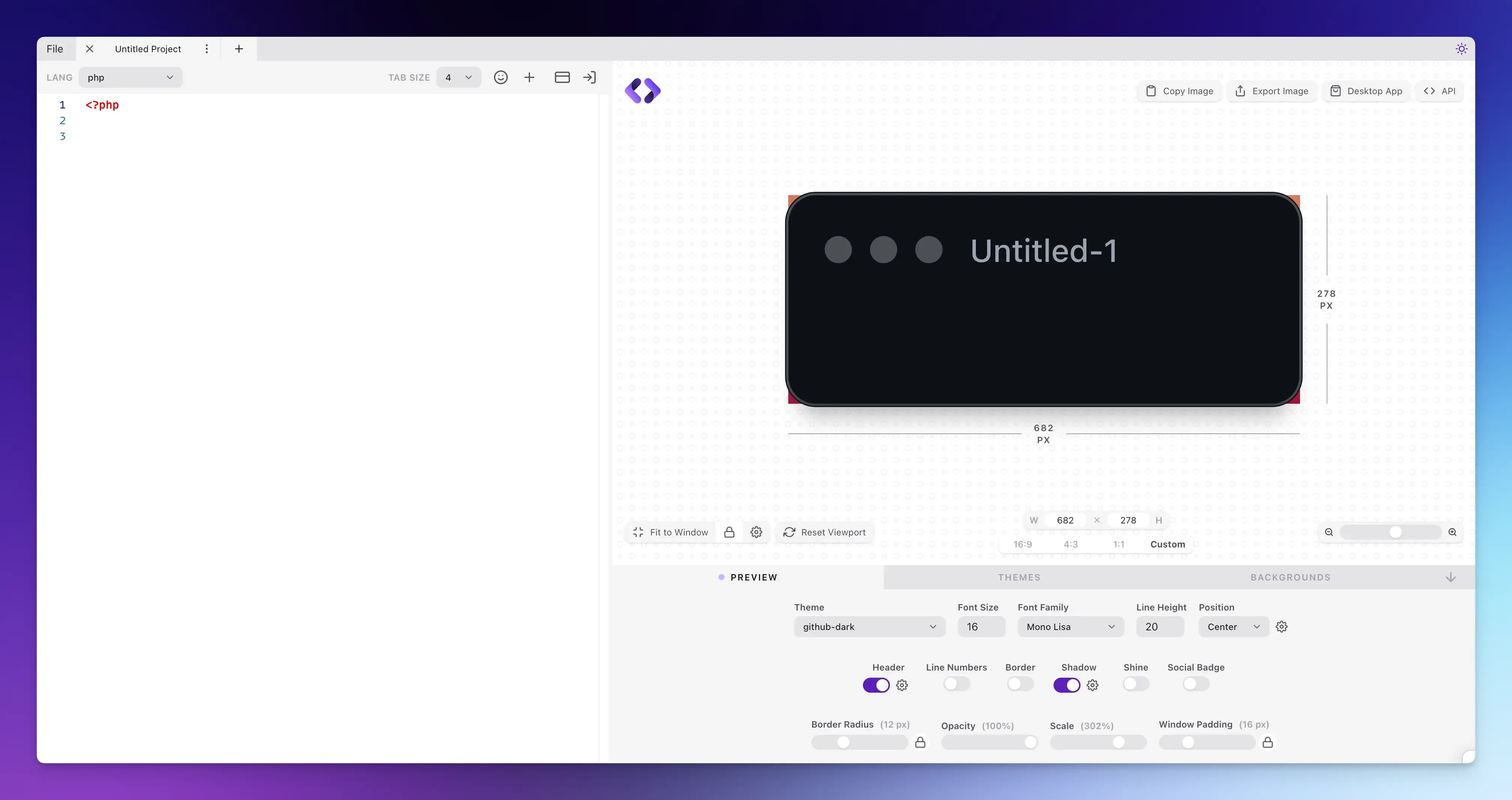
If you want more design control for your static code images, Showcode is an excellent choice.
It provides an instant preview as you make changes and includes a free API to automate image generation.
Key Features:
- Language Support: You can select from the massive list of programming and markup languages for perfect syntax highlighting.
- Deep Customization: Choose the theme you want, adjust the font, font size, line height, padding, and even add a border, shadow, or a shine effect.
- Viewport Control: Set a custom image size or choose from standard aspect ratios to perfectly fit your blog, social media, or presentation slides.
- Window Styling: Add a header with a custom file name, toggle line numbers, adjust the border radius, and add window controls for a realistic editor look.
Best for: Developers who want greater control over the final look.
Pricing: Free
Pictify Code to Image
Pictify Code to Image is an online code snippet to image tool that offers styling control and API support for automation.
Key Features:
- Rich Customization: You can choose from lots of color themes (including both dark and light) and popular coding fonts like JetBrains Mono and Fira Code. It also allows you to customize the background, add window frames, adjust padding, and set border radius.
- Visual Effects: It offers advanced styling options including shadows, opacity, and blur effects.
- Real-Time Preview: You can see a live preview of your image for experimentation before downloading.
Best for: Automated workflows and branded visuals.
Pricing: Free
Final Words
Choosing the right tool ultimately comes down to what you need to do.
Whether you need quick static images, rich customization, or animated slides, there’s a perfect tool to make your code look great.
Try one or two, and you’ll be surprised how much more engaging and professional your shared code can become.
For further reading:
FAQs:
Can I create a full presentation of multiple code snippets with one tool?
Snappify is built for this, allowing you to add multiple code windows in a single project file.
Can I edit a code screenshot style without re-typing the code?
If you have an old screenshot, you cannot load it back in to change the theme. You must have the source code to generate a new image.