6 Best CodeSandbox alternatives in 2026: Every Developer Should know

CodeSandbox has been the go-to tool for frontend developers who want a quick, shareable coding environment without the hassle of local setup.
But it’s no longer the only option available, and for many developers, it is not always the best one.
You want a tool that loads fast, fits your budget, and doesn’t lock you into a platform that slows you down.
If you are here because CodeSandbox feels limiting or you want to know what else is out there, you are in the right place.
This guide compares the best CodeSandbox alternatives to help you pick the perfect tool for your specific needs.
Why Look for CodeSandbox Alternatives?
CodeSandbox is an online code editor and development environment built primarily for web development.
You can open it, start a new React or Vue project, and begin coding immediately without installing anything on your computer. It is fantastic for creating quick demos, sharing code snippets with others, and prototyping frontend ideas.
You get instant previews, npm support, GitHub integration, and the ability to share projects via a link.
However, as your projects grow or your needs change, you might bump into some of its limits. Such as:
- Performance: Opening a project in CodeSandbox can be slow at times, especially when working with larger apps. This breaks your focus when you need instant feedback.
- Session Limits: If you close your browser tab, your running code stops. This is fine for a quick test, but impossible for projects that need to run in the background or handle longer tasks.
- Security: For professional work, especially when running code you didn’t write yourself, you need stronger security. Standard online sandboxes may not offer the high-level isolation needed to run sensitive code.
- Pricing: While CodeSandbox offers a free plan, you might want a tool that offers more value for your money, especially for team collaboration or specific features like AI assistance.
- Full Server Environment: CodeSandbox is great for frontend work, but sometimes you need a true backend environment.
If any of these apply to you, consider the options listed below.
StackBlitz
If you want the fastest possible startup and true Node.js compatibility in your browser, StackBlitz is a top choice.
It uses WebContainers to run Node.js directly in your browser rather than a remote server.
This makes it incredibly fast and secure compared to most cloud IDEs.
Best for: Instant Node.js and frontend development in the browser.
Key Features:
- Runs Node.js, npm, and full-stack frameworks directly in the browser.
- Works offline after the initial page load.
- Excellent support for popular frameworks like Next.js and Vite.
- You can import and export projects directly from GitHub.
Pricing: Free plan available. Pro plans start from $18 per month.
Honest Take:
StackBlitz is one of the strongest CodeSandbox competitors right now.
The WebContainers technology gives it a real speed advantage, making it perfect for framework demos and smaller projects.
The main limitation is that it works best for Node.js projects. It’s not ideal if your workflow is heavily backend or multi-language. And its AI features are not as advanced as some dedicated tools.
GitHub Codespaces
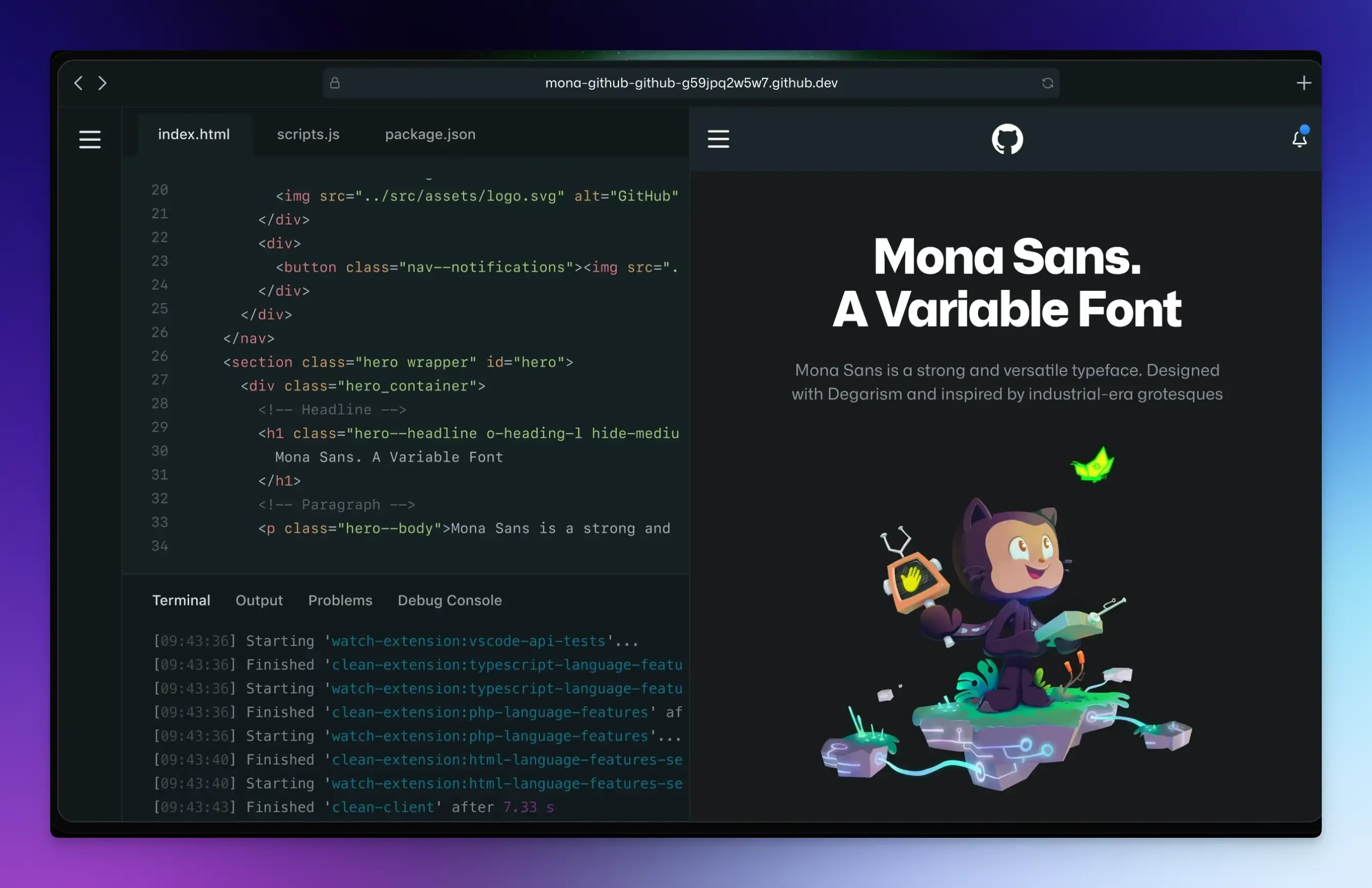
If your team already lives in GitHub, Codespaces is the best option. It gives you a full cloud development environment powered by VS Code.
It’s essentially your entire local setup, but running on GitHub’s infrastructure. Configuration is stored in a devcontainer file in your repo, so every team member gets the same environment.
Best for: Professional development teams already using GitHub.
Key Features:
- A full-featured VS Code instance, with all your favorite extensions.
- Connects directly to your GitHub repositories.
- Integration with GitHub Actions and other GitHub features.
- Supports any language or stack.
Pricing: Pay-as-you-go pricing model. You get a certain number of free hours per month (60 hours for a standard instance), then you pay for what you use.
Honest Take:
Codespaces is powerful and professional. However, it can become expensive for heavy use, and it might be overkill if you just need a quick playground for a single file.
Replit
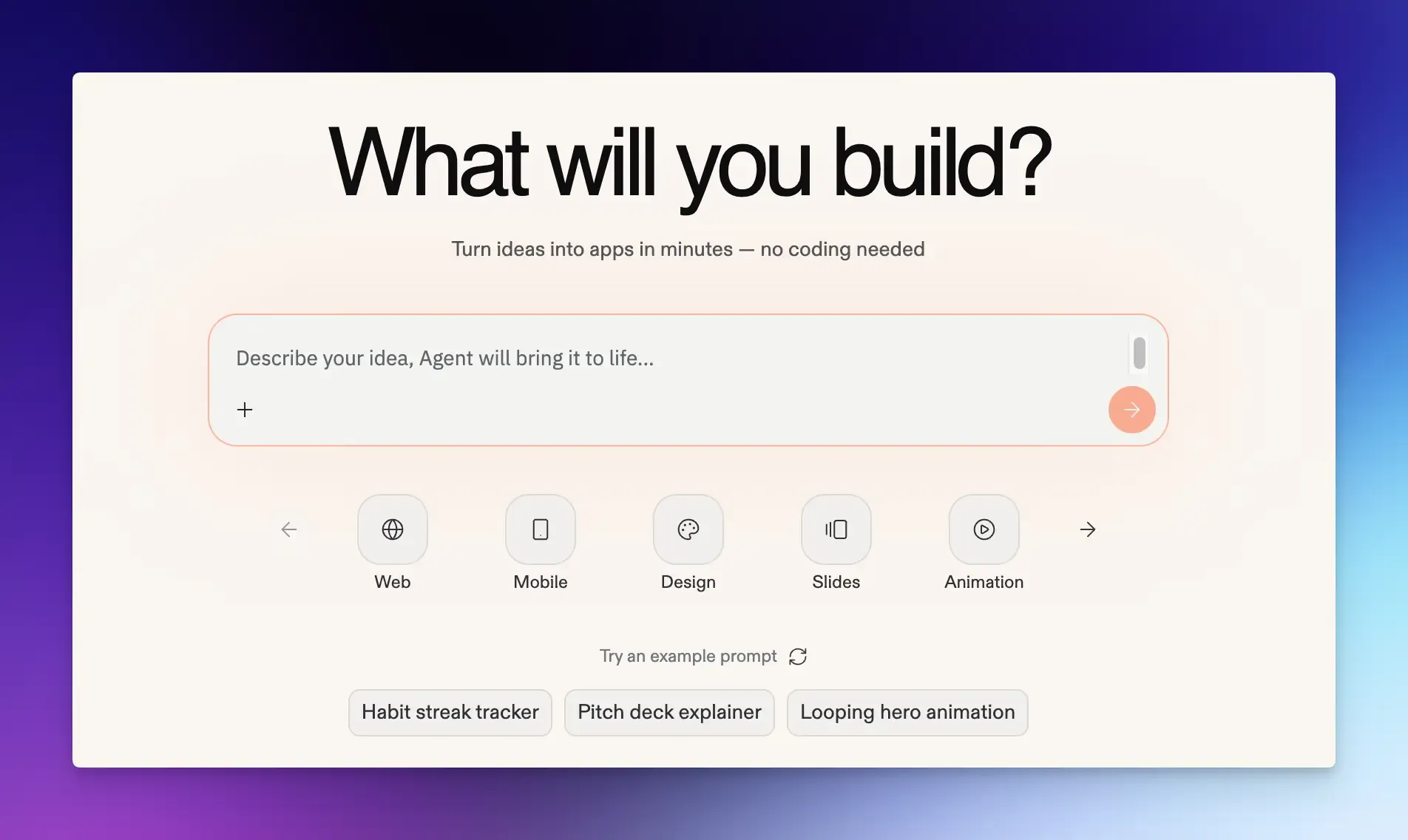
Replit is a collaborative, full-stack platform for building and deploying web applications.
It supports multiple programming languages, has a built-in AI assistant, and makes it easy to deploy apps directly from the editor.
Best for: Collaborative coding, teaching, and building full-stack prototypes quickly.
Key Features:
- Replit AI agent helps you write, debug, and explain code.
- Handles both frontend code and backend servers.
- Built-in hosting and database support.
- One-click deployment for apps.
Pricing: Free plan available. The paid plan starts from $17 per month (billed annually).
Honest Take:
Replit is one of the most beginner-friendly tools on this list.
It is great for getting started fast and working with others.
However, it is also one of the more expensive options for individual professionals. It can sometimes feel slower than more focused tools like StackBlitz for frontend-only work.
CodePen
CodePen is the most popular online playground for frontend designers and developers. It is less of a full development environment and more of a social network for sharing small, beautiful code demonstrations.
Best for: UI designers, frontend enthusiasts, and educators who want to create and share interactive code snippets.
Key Features:
- Instant HTML, CSS, JS editor with live preview.
- Huge community to find inspiration and share your work.
- Pens are easy to embed in blog posts and documentation.
- Asset hosting and external library imports.
- Great for testing UI animations and component designs.
Pricing: Free plan available. Pro plans start at $19 per month.
Honest Take:
CodePen is not for building full applications. It lacks proper support for full project structures or installing complex npm packages. If you need to build a full React app, you might consider Codepen alternatives. But for a quick CSS idea, nothing beats it.
E2B
E2B provides sandboxes that are isolated environments (microVMs) you can spin up with an API. It is ideal for running AI-generated code without compromising your main system.
Best for: Developers building AI coding assistants or any application that needs to execute untrusted code safely.
Key Features:
- Open-source, meaning you can self-host it if needed.
- Provides SDKs for Python, JavaScript, and other languages.
- Sandboxes are based on Firecracker microVMs for strong security.
- Supports major LLMs and programming languages.
Pricing: Free with credits. Pro plan starts from $150/month.
Honest Take:
E2B is a very powerful, developer-friendly tool. The open-source nature is a huge plus for security and privacy considerations. Boot time is fast but not instant, which can add up for AI agents making multiple calls.
However, sandboxes are deleted after 30 days, so they are not for long-term data storage.
Blaxel
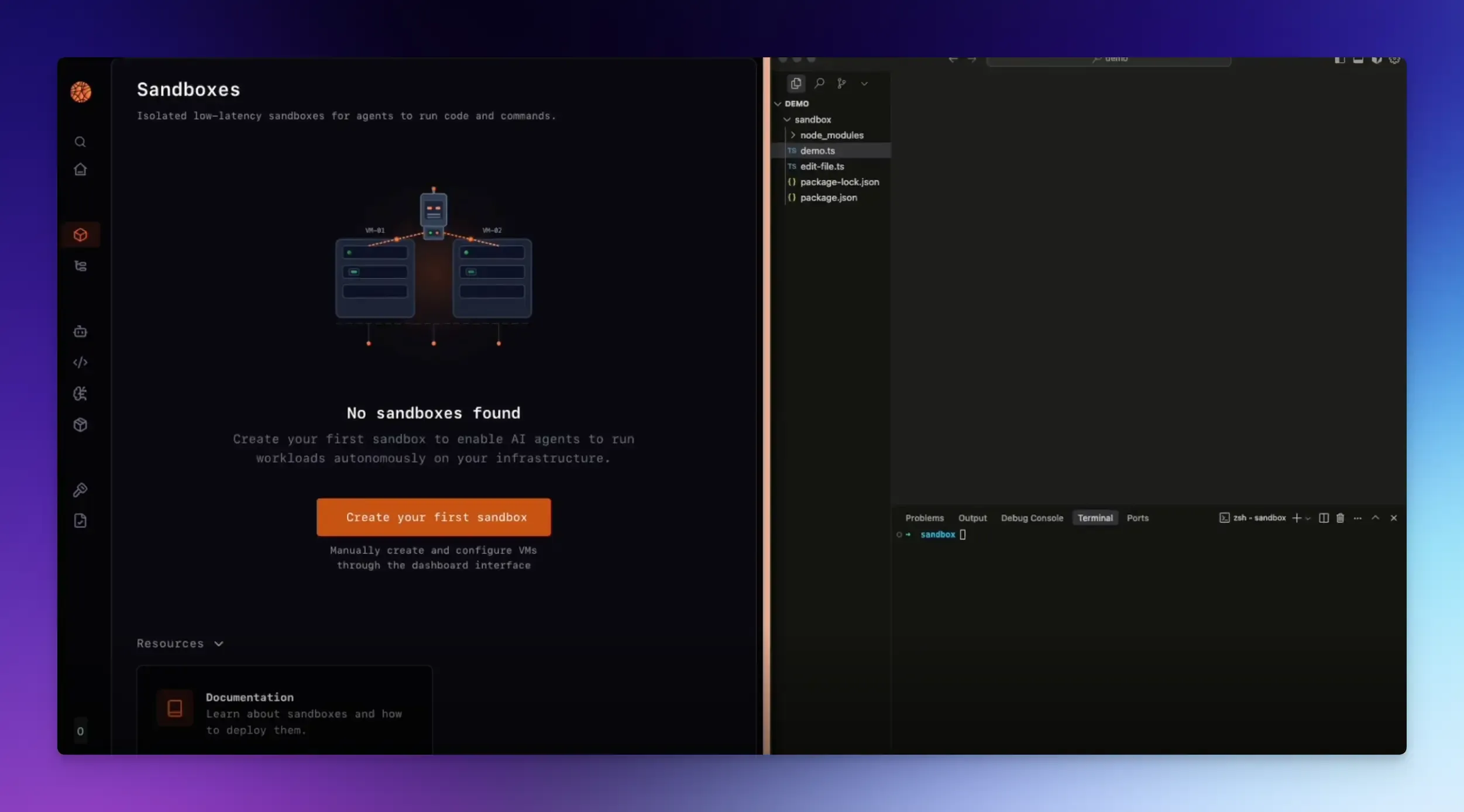
Blaxel is a platform built specifically for AI agents that need to execute code in production. It provides perpetual sandboxes that are instantly available and cost-efficient.
Best for: Teams building production-grade AI agents that need to execute code with minimal latency.
Key Features:
- Sandboxes resume from standby in under 25 milliseconds.
- Environments can stay in standby indefinitely without being deleted after a set period.
- Uses microVM isolation for strong security.
- Automatically transitions sandboxes from active to standby after 1 second of inactivity.
Pricing: $200 free credits to start. Usage-based pricing for resources consumed.
Honest Take:
Blaxel is for real-time agent interactions. Its perpetual standby mode means you’re not paying for idle time, but your agents are ready to go instantly. It’s not for general coding, but if you need what it offers, it’s the best in its class.
Final Words
Whether you’re a solo developer working on side projects, a designer who needs a simple code playground, or a team that needs a secure, self-hosted setup, there’s an option on this list for you.
The best tool is the one that fits your work. Use this guide as your starting point and let your actual projects make the final call.
FAQs:
Are online code editors safe to use for work projects?
It depends on the tool. Most online code editors run on shared cloud infrastructure, which means your code passes through third-party servers. For personal projects or open-source work, this is generally fine. For proprietary business code or sensitive data, you should use a self-hosted solution.
Are there any completely free online development environments?
Almost every platform on our list offers a generous free tier. The catch is usually in the limitations. Free plans often restrict you to public projects only.
How do I move my code from one online sandbox to another?
This depends on the platforms. Most online dev environments, including GitHub Codespaces and StackBlitz, allow you to import a project directly from a GitHub repository and push changes back. For simpler playgrounds like CodePen, you usually need to manually copy and paste your HTML, CSS, and JavaScript files.