5 Best Pastebin Alternatives for Code Sharing in 2026

Pastebin is a popular tool for sharing code or text online.
It was originally designed for programmers to share code snippets by generating a unique URL. Since then, it has turned into a universal tool for sharing plain text.
While Pastebin excels at simple, quick sharing, its basic model often doesn’t work for current development and security needs.
You might see too many ads, worry about who else can view your private snippet, or wish you could edit a post with a teammate.
It is also not the best choice for sharing sensitive data or source code, as anyone with a link can access them.
If you want a cleaner experience, stronger privacy, or more collaborative features, you have several other choices.
This guide walks you through the best Pastebin alternatives that address these needs.
We focused on tools that prioritize ease of use and security features that meet modern code sharing needs.
Let’s get started.
Snappify
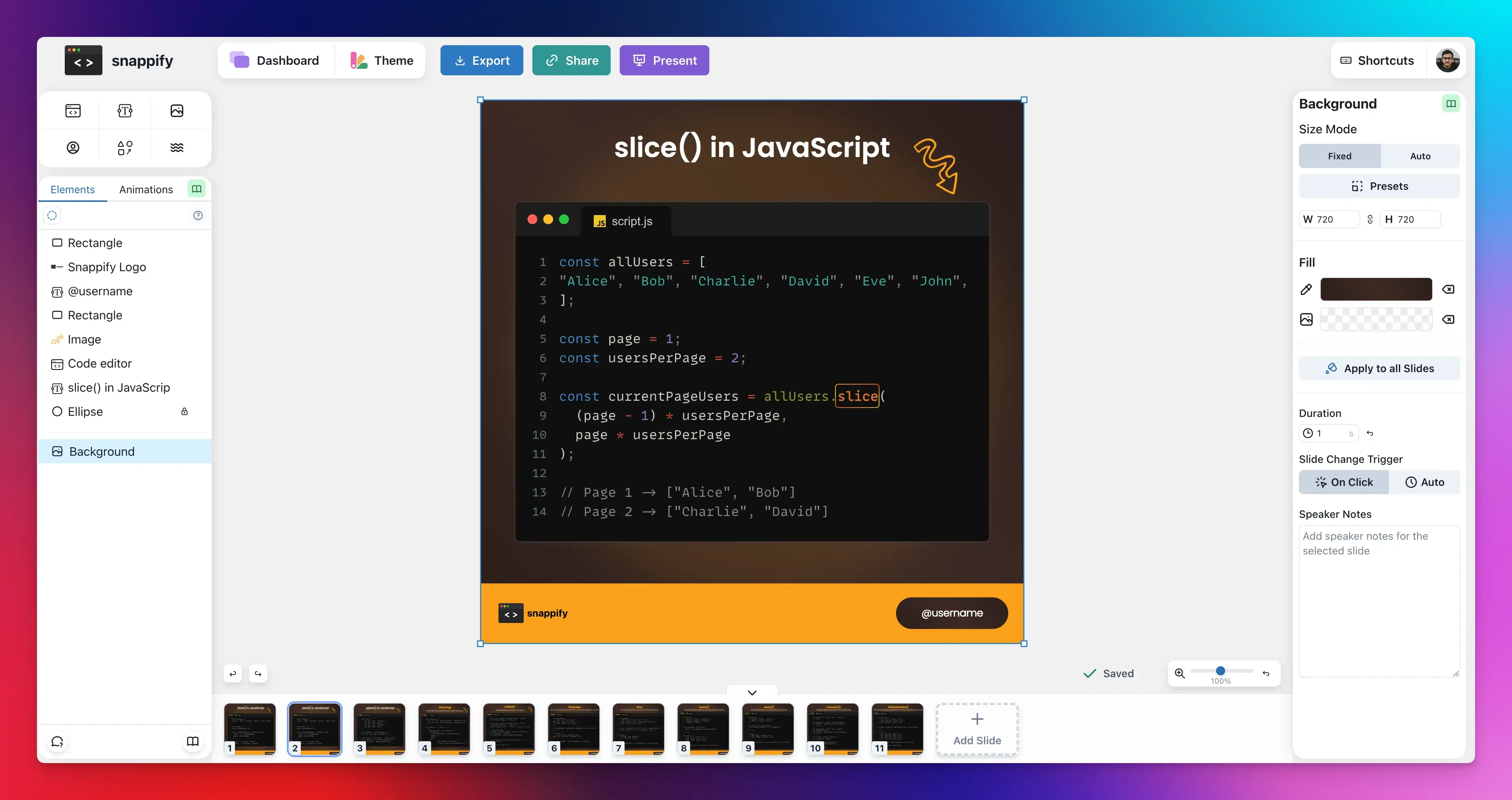
Snappify is a powerful tool for developers and technical content creators who want to present their code beautifully.
It’s not just for saving and sharing text, its main function is to create engaging slides, animated videos, and social media graphics of your code. It saves a huge amount of time and effort if you need to present code visually.
It also makes complex concepts much easier to explain by letting you highlight specific lines, blur out irrelevant parts, and use annotations to guide your audience.
Here’s what you can do with Snappify:
- Create Animated Presentations with smooth transitions. You can export them as videos or GIFs.
- Design Code Snaps: Turn plain code into beautiful, branded images for social media or documentation using a drag-and-drop editor similar to design tools like Figma.
- Add Rich Annotations: Place explanatory text, arrows, and custom images right alongside your code to guide the viewer’s attention.
- Add Multiple Code Windows to a single canvas to compare code ****snippets and point out best practices.
- Share Your Snippets via a public link or embed them interactively in popular platforms (like Hashnode, Notion, or Medium), where viewers can easily copy the code or text.
- Manage your Snippets Library in one place for easy access.
- Snappify API lets you automate the process of creating code snaps.
- Use the VS Code or IntelliJ plugin to create snaps directly from your IDE.
Best for: Creating and sharing beautiful code snippets for tutorials, blog posts, or conference talks.
Pricing:
- Free plan available (includes watermarks).
- Pricing starts from $5/month (billed yearly).
PrivateBin
If you care about who can actually read your paste, PrivateBin is one of the strongest choices.
Its zero-knowledge model means your code is encrypted on your device before it ever reaches any server, making it a powerful tool for sharing confidential information such as passwords, sensitive code snippets, or private notes.
You don’t have to worry about your data being exposed in a server breach.
It’s also an open-source, self-hosted solution that gives you complete control over your data.
Key Features:
- Client-side encryption (zero-knowledge server)
- Paste expiration times
- Burn after reading option
- Password protection
- Syntax highlighting
- Markdown support
- Discussion and comments
Best for: Sharing confidential logs, API keys, or any data that you do not want a third party to see.
Pricing: Free
GitHub Gist
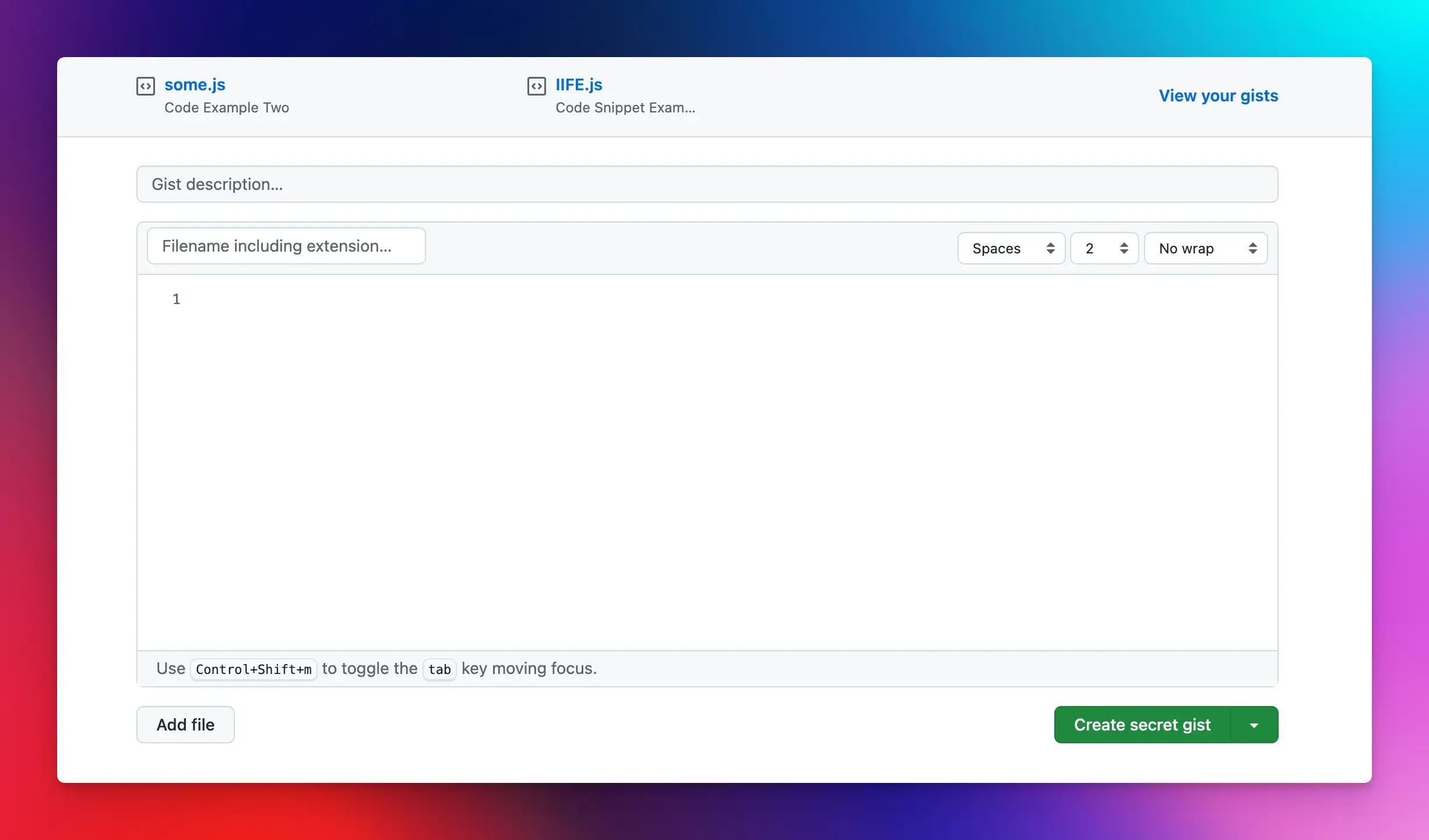
GitHub Gist is one of the best Pastebin alternatives for quickly sharing code, text, and other files.
Gists aren’t just basic pastes, but an efficient way to share code on GitHub without creating a full repository.
Every time you edit a Gist, a new version is saved, allowing you to track changes, fork, clone, or embed them anywhere. This addresses a major drawback of static pastes by enabling you to reuse a snippet in real projects.
If you already use GitHub, Gist feels like a natural extension. It’s also very useful beyond just code. You can use it for markdown notes, configuration files, and even small datasets.
Key Features:
- Built-in Git version control
- Public and private sharing
- Forking and collaboration
- Markdown support
- Support for multiple files
- Syntax highlighting
Best for: Developers who want professional code sharing and collaboration without losing context or history.
Pricing: Free
Pastes.io
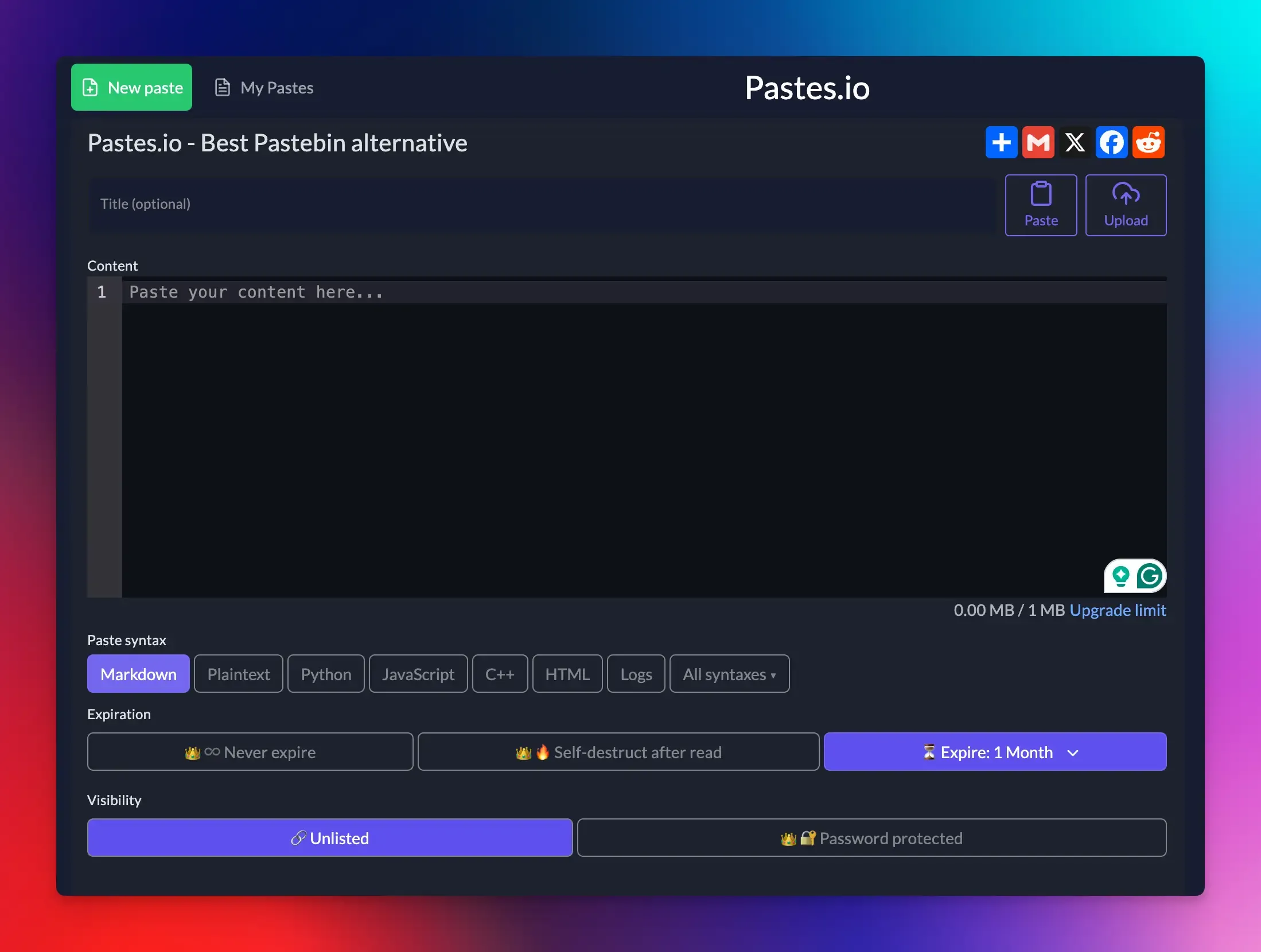
Pastes.io is a modern, privacy-first Pastebin alternative for sharing code and text snippets.
It offers a cleaner, more secure, and feature-rich experience with no annoying ads or forced sign-ups.
The pastes are unlisted by default, which means that each paste you create is hidden from public listings and search engines unless you explicitly make it public.
There are also options for passwords, expiration, and encryption, giving you much more control over your data compared to Pastebin.
Key Features:
- Unlisted pastes by default
- Smart syntax highlighting
- Dark mode support
- API access for automation
- Burn after reading option
- Easy snippet management
Best for: General purpose pastes, logs, snippets, and automated workflows.
Pricing:
- Free plan available with a 1MB paste limit.
- Paid plan costs $1/month (billed yearly) with a 25MB paste limit.
CodePen
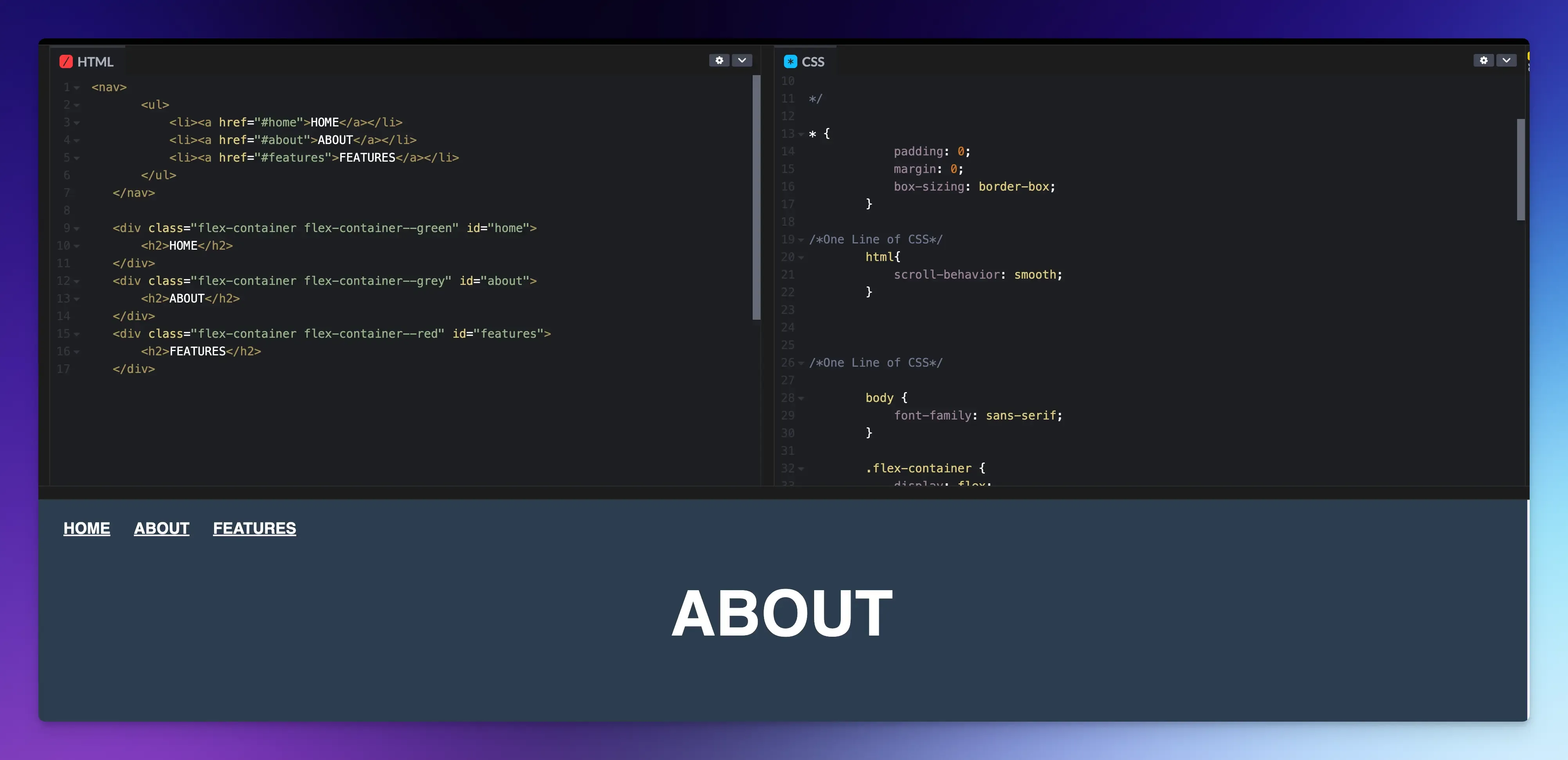
CodePen is an online platform for frontend developers to write, test, and share code in real time.
Unlike Pastebin, where snippets are just text, CodePen lets you build a portfolio of visual demos. It is great for developers, educators, and designers who want to experiment and share their code interactively with others.
Key Features:
- Live preview
- Asset hosting
- Shareable pens
- Non-searchable URLs
- Community features
- Collab mode for pair programming
Best for: Building and sharing live web pages.
Pricing:
- The free plan offers full access to the core editor, but your pens are public.
- The paid plan starts at $8/month (billed annually).
Final Words
Each of the options listed above has its own set of features and use cases.
Whether you value privacy, visual presentation, real-time collaboration, or version control, there is a solution for you.
Consider your specific requirements and choose a platform that actively improves how you build and share your work.
FAQs:
Can I edit a snippet after I've already shared the link?
It depends on the tool. Some allow in-place editing, which updates the content at the same link. Others create a new link when you make changes, so you’d need to share the new URL.
Can I use these tools for long-term code storage?
While fine for reference, they are not a replacement for proper version control systems (like Git).