7 Best Ray.so Alternatives for Beautiful Code Snippets (2026)
Creating beautiful code snippets is a common task for developers, educators, and content creators.
While Ray.so performs this job well for many people, it is smart to know what else is available.
Your team may need collaboration features that your current tool lacks, or you want to test a different interface or see if another application produces better results for your blog or documentation.
If you are looking for a new tool to quickly create good-looking code images with more customization and sharing options, this guide is for you.
We spent 48 hours testing and comparing the best Ray.so alternatives available today, focusing on tools that help you create shareable code images without complicating your workflow.
Read on to see our full comparison and find the tool that best fits your specific code presentation needs.
Top 7 Ray.so Alternatives
Here are the best Ray.so alternatives, including their standout features and pricing, to help you choose the best one.
Snappify
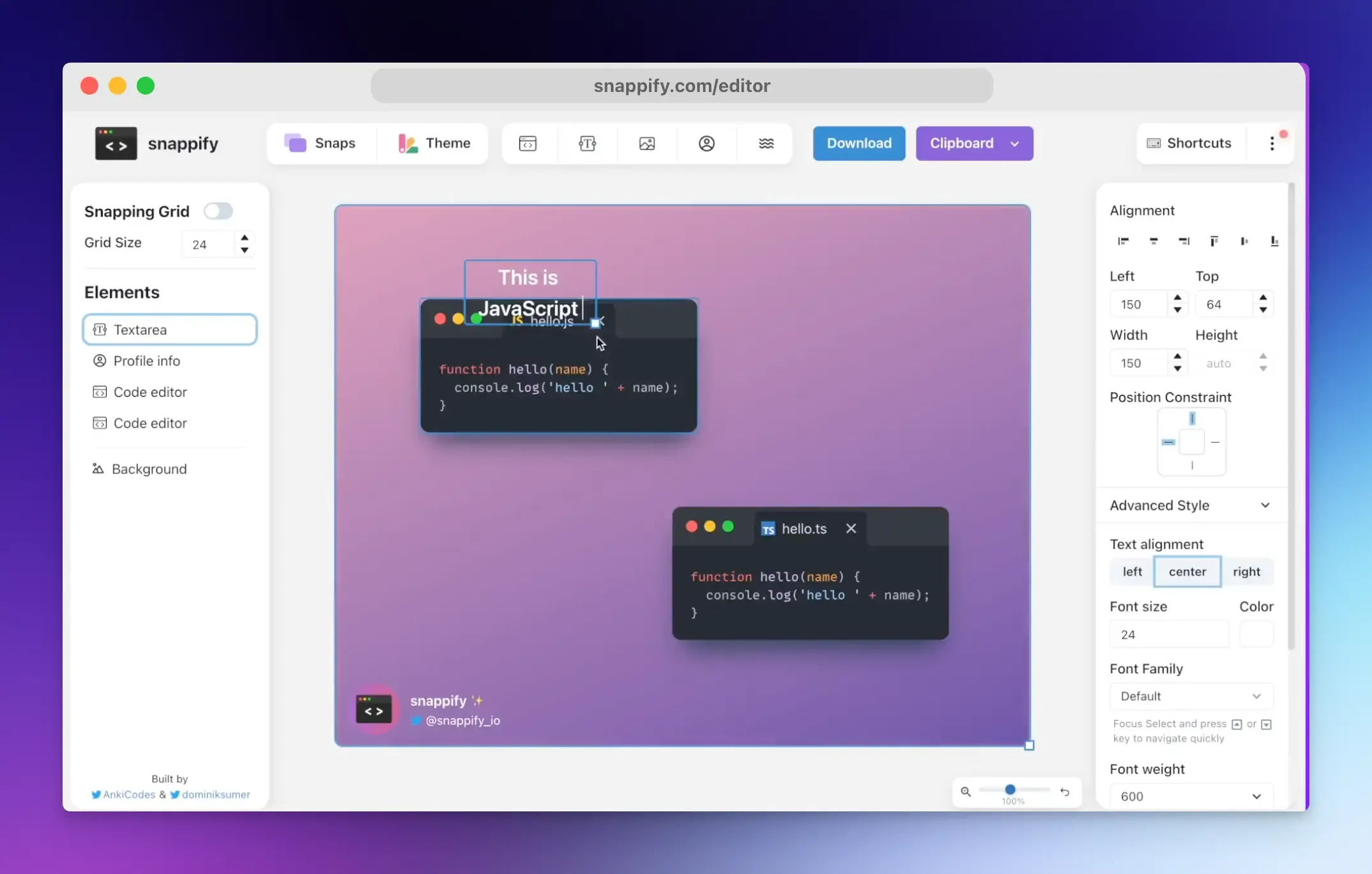
Snappify is a comprehensive platform for creating interactive technical code presentations. It’s designed to help you move beyond static screenshots to create animated explanations, making it an essential tool for developers and content creators who value quality and engagement.
It also offers embed support for popular platforms (Hashnode, Notion, and Medium), a VS Code extension, and an API for automation.
You can use Snappify to:
- Create animated code videos and presentations.
- Create step-by-step design tutorials to guide viewers.
- Build interactive infographics that you can embed in blog posts.
- Produce incredible social media images to make your technical posts stand out.
Key Features:
- Powerful Editor: Snappify’s editor offers deep customization. You can add multiple code windows for comparisons and annotate with text and arrows.
- Advanced Code Styling: You can blur, gray out, or reduce the opacity of specific lines to draw the viewer’s attention to what matters. It also allows you to mark lines as added or removed, which is perfect for showing diffs and code changes.
- Embedding and Sharing: You can share a live public URL or embed presentations as interactive iframes on websites and documentation. This interactivity lets viewers copy the code directly from your snippet.
- Branding Tools: You can upload custom images (like logos or screenshots) and even add your avatar and social handle for branded social media posts.
- Snippet Management: It also serves as an organized library for storing and managing your growing collection of code snippets and presentation slides.
Best For: Creating engaging educational content, code demos, or social media videos.
Pricing:
- Offers a free plan with watermarks.
- Paid plans start at $5/month (billed yearly)
CodeImage
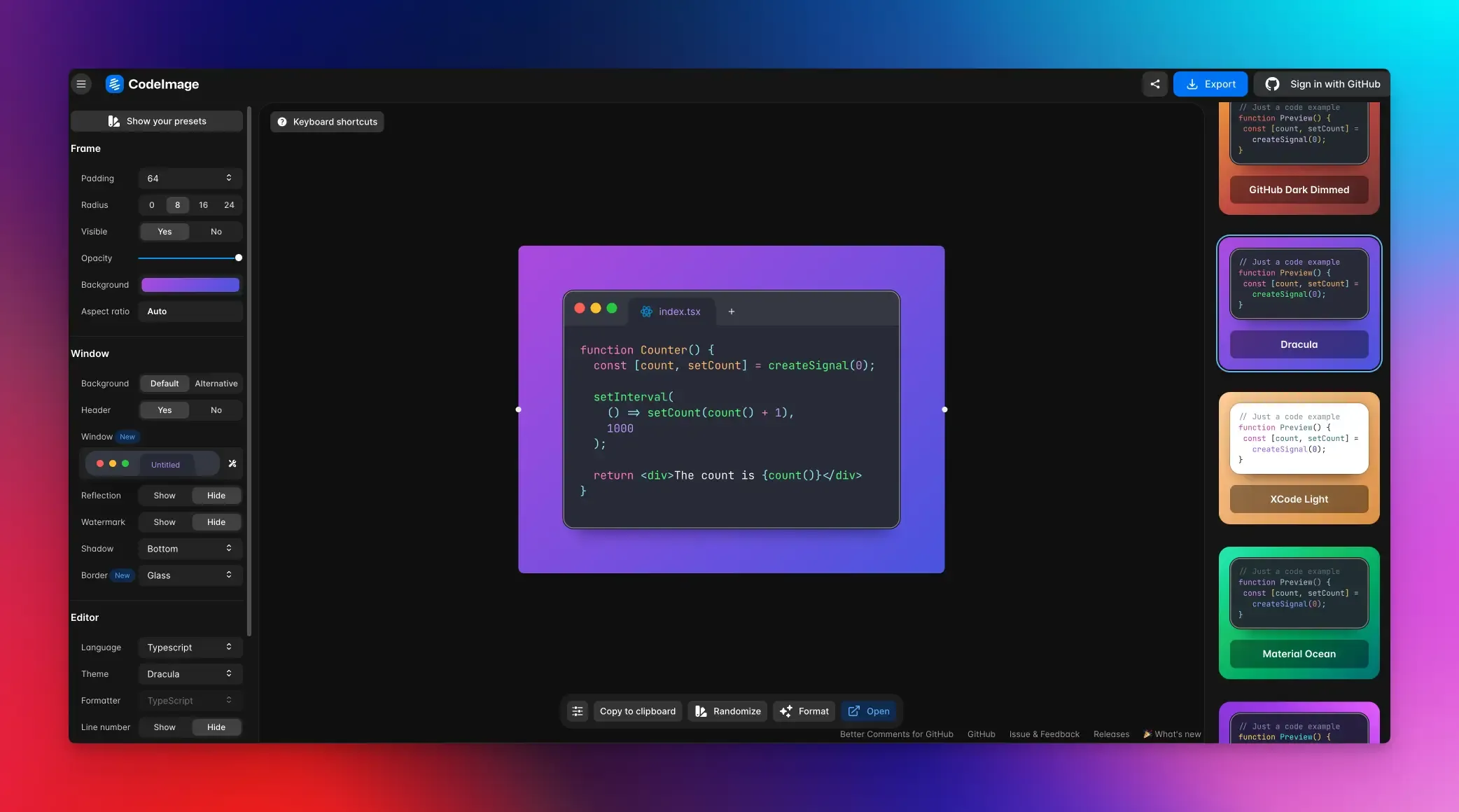
CodeImage is an open-source web application designed to create and manage beautiful, static images of your code snippets. It gives you full control over the visual style and final look of a screenshot.
Key Features:
- Deep Customization: CodeImage gives you extensive control over the final image’s appearance, including the syntax highlighting theme, the editor’s window frame style (like macOS or Windows), background colors, fonts, and padding.
- Snippet Management: It also provides a dashboard to save, organize, and manage your library of created snippets.
- Sel-Hosting Option: Being open-source means the entire codebase is transparent and available on GitHub. Users can inspect the code, contribute to its development, or even self-host it.
Best For: Developers who want to create beautifully styled static code screenshots.
Pricing: Free
Carbon
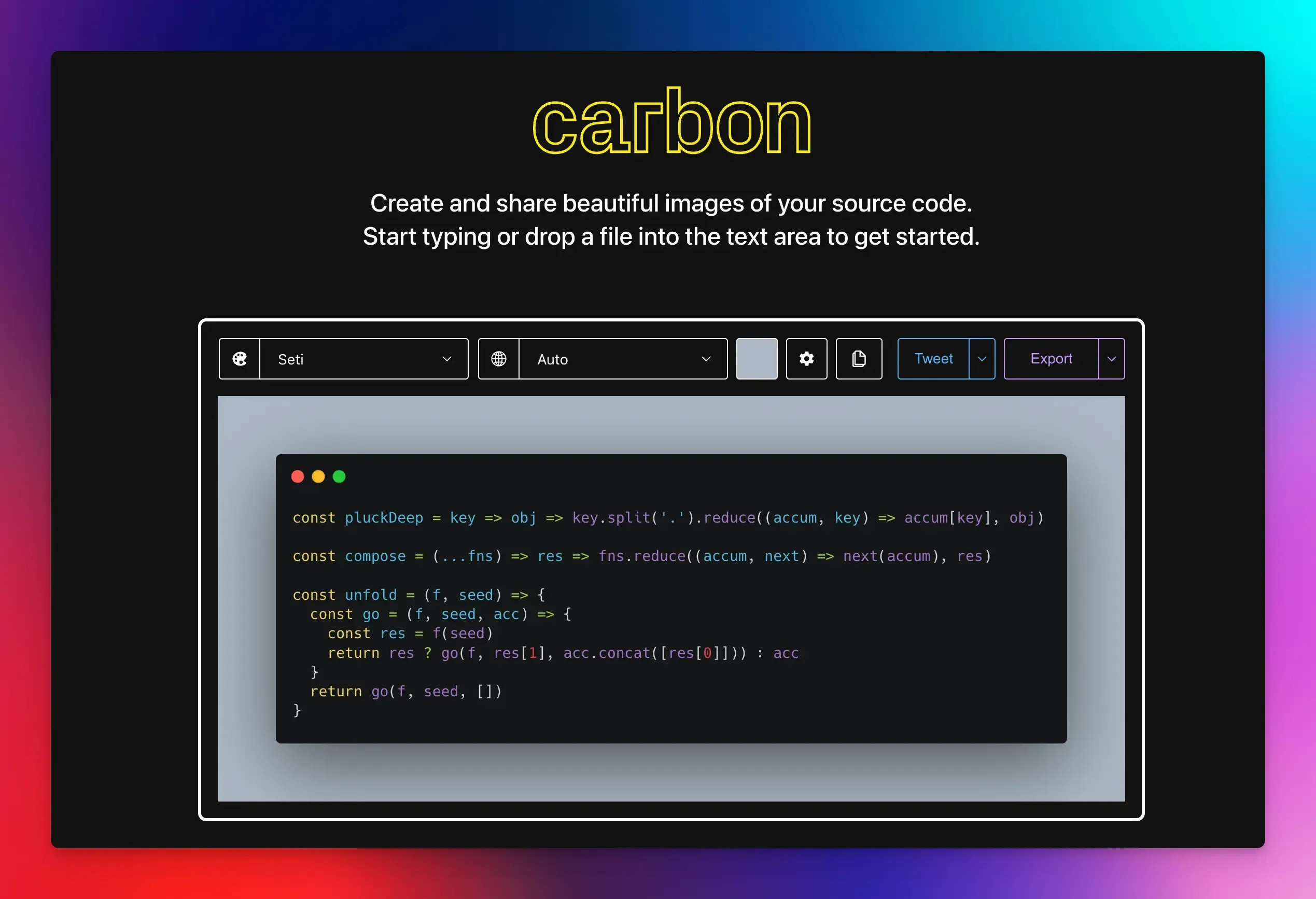
If you want to quickly turn a code snippet into a clean, attractive image for immediate sharing, Carbon is an excellent choice.
It is a web-based tool for creating snippets from your source code. You paste your code into its editor, and it applies visual formatting to make it look like it’s taken from a modern code editor or IDE.
While you can change themes and fonts, it offers less control over elements such as window frames, padding, and shadows than some alternatives.
Key Features:
- Visual Customization: You can change the appearance through various preset themes, background colors, and fonts to match your style.
- Language Support: Syntax highlighting for a wide range of programming languages, including Python, JavaScript, and Go.
- Simple Export: With one click, you can export your snap as a PNG file or share it via a unique link.
Best For: Quick sharing of code snippets on social media, blogs, or in presentations.
Pricing: Free
Chalk.ist
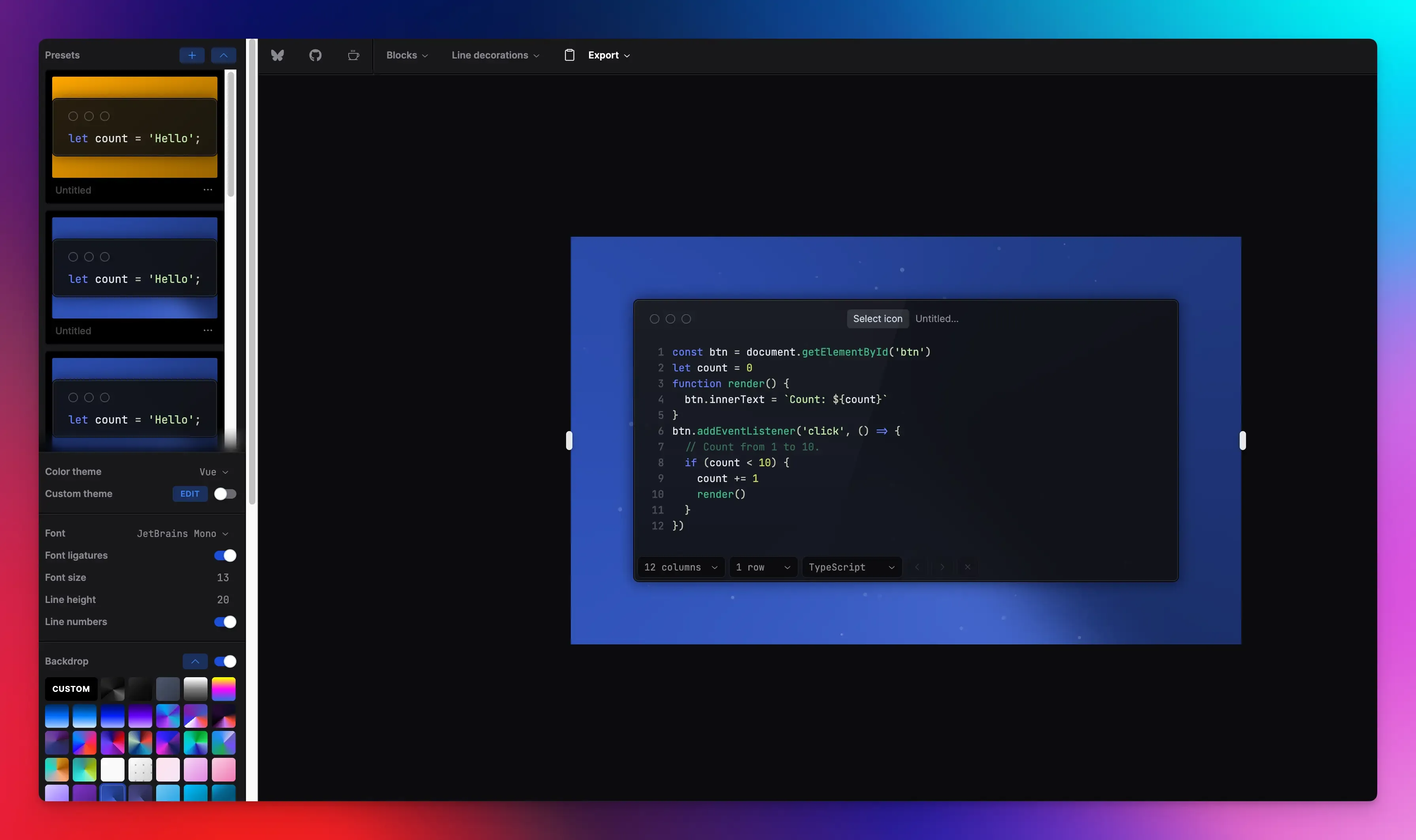
Chalk.ist is an open-source tool that lets you create and share professional-looking static images from your code. You can paste your code into the online editor, customize its look with a real-time preview, and download the final image as a PNG file with a single click.
Key Features:
- Customization: You can customize your code images by choosing from a variety of themes, fonts, and layouts. It allows you to add multiple code blocks and apply block decorations to make specific sections of your code stand out more.
- Enhanced Readability Tools: The tool automatically applies syntax highlighting for many programming languages and lets you easily toggle line numbers on or off.
- Open-Source: It is completely free to use and developed with community input. You can inspect the code or contribute to its development on GitHub.
Best For: Creating consistent code images for technical blog posts, social media, or tutorials.
Pricing: Free
Codepng
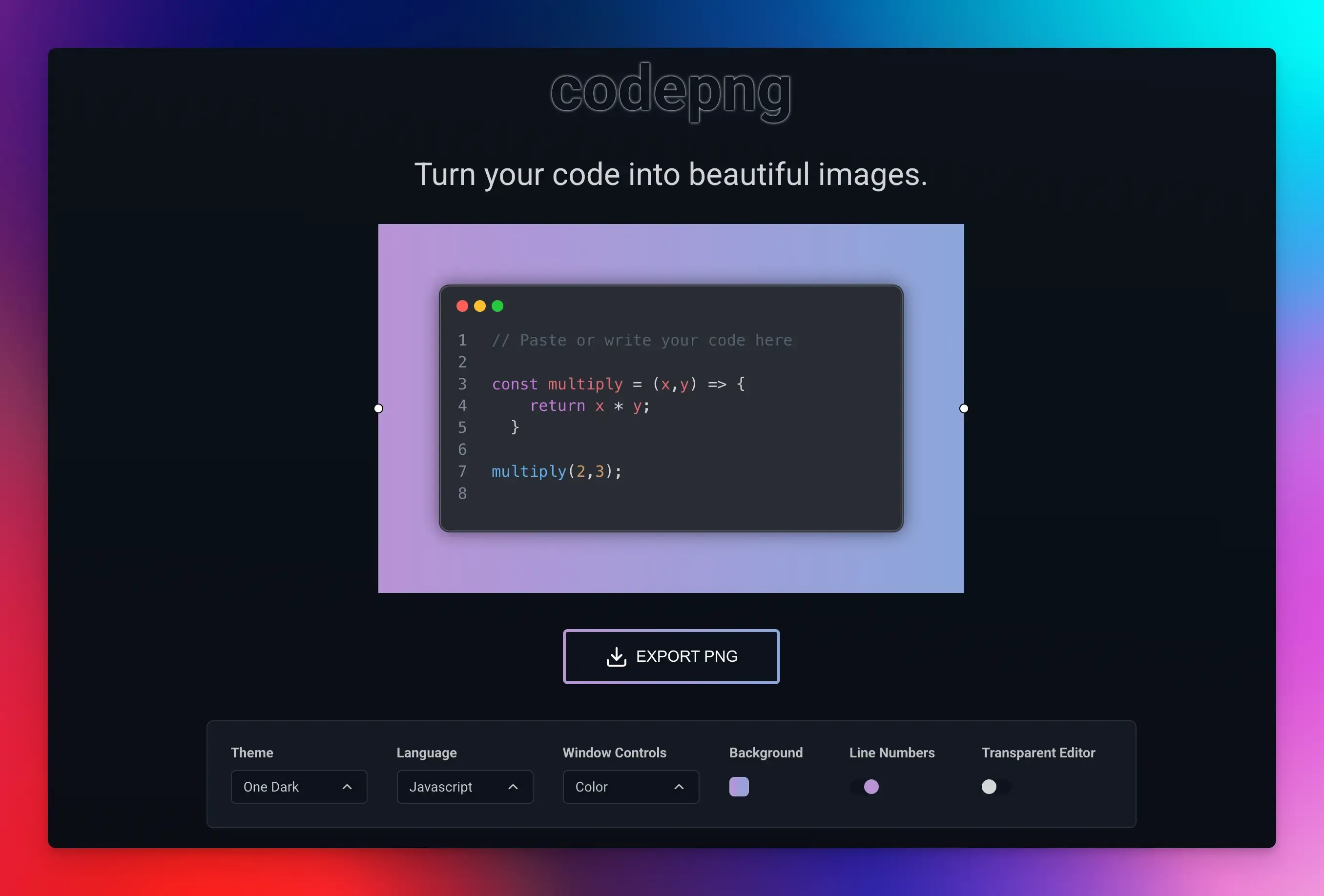
Codepng is a minimalist code image generator that lets you quickly turn your source code into shareable images. It’s a great option when you want a clean look that is more engaging than a simple text snippet.
Key Features:
- Theme Selection: Apply different syntax highlighting themes to your code.
- Language Support: Set the programming language for accurate syntax coloring.
- Window Controls: Choose to show or hide the macOS/Windows-style window frame around the code.
- Custom Backgrounds: Select solid colors or gradients for the image background.
- Layout Options: Toggle line numbers on/off and adjust the editor’s transparency.
Best For: Quick sharing on social media, presentations, or blog posts.
Pricing: Free
MassCode
MassCode is a code snippet manager for developers who want a private, permanent library of reusable code across projects. It lets you collect, organize, and quickly retrieve your code snippets, and includes features for presenting and sharing them.
Key Features:
- Snippet Organization: Manage your snippets using folders and tags. You can store multiple fragments (tabs) within a single snippet for related code blocks.
- Language Support: The built-in editor supports syntax highlighting for multiple programming languages. It includes integrated Prettier for code formatting.
- Live Preview: Instantly preview HTML and CSS in real time.
- Markdown Support: Write documentation with tables, lists, and integrated Mermaid for creating charts and diagrams directly in your snippets.
- Presentation and Sharing: Present snippets as slides. Export any snippet as a styled image with customizable themes and backgrounds.
Best For: Developers with a large codebase to organize and present.
Pricing: Free
Hackreels
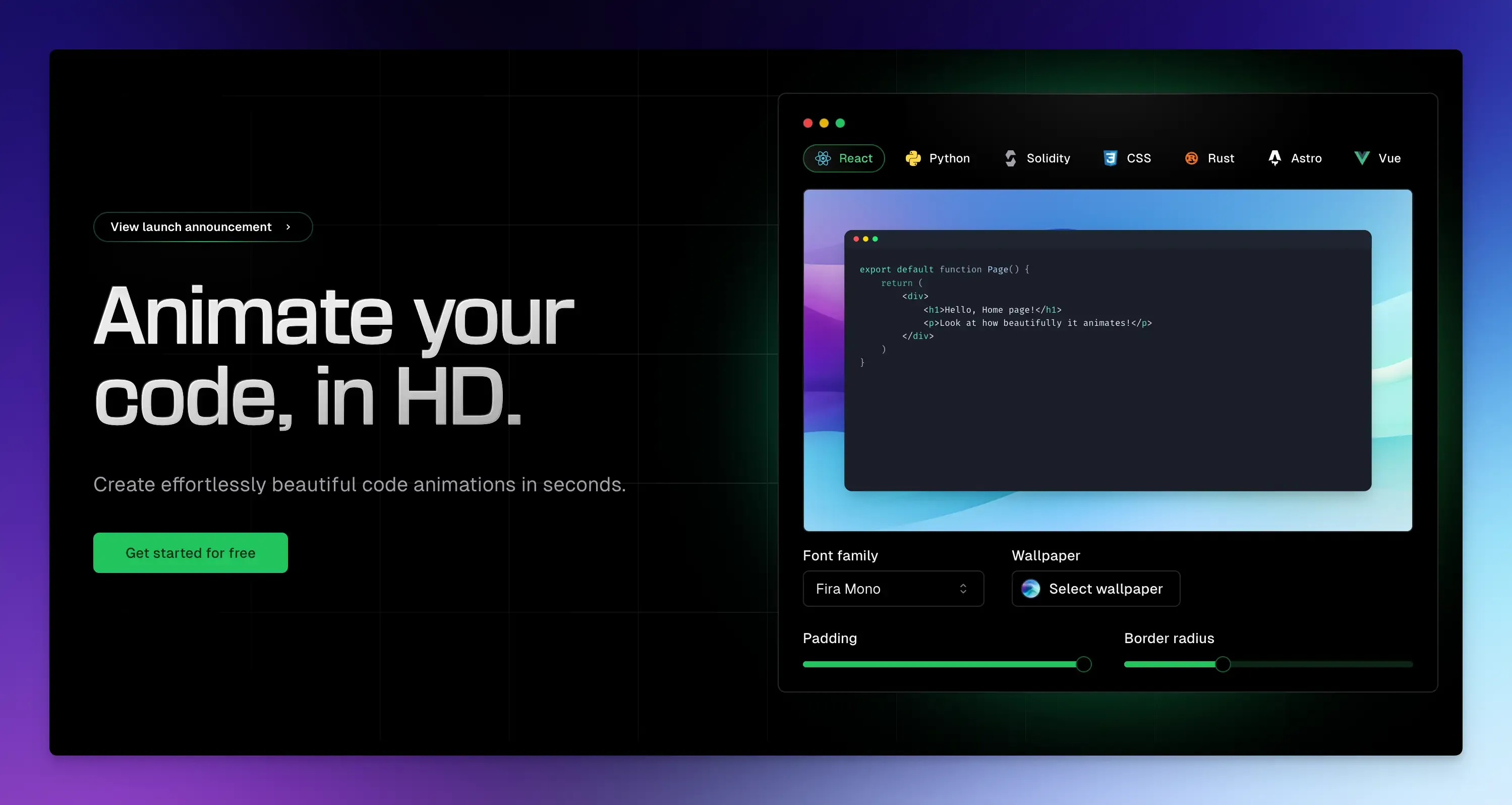
Hackreels allows you to go beyond static screenshots. It animates your code into a professional video with features like automatic code diffing, customizable themes, and multiple export formats.
You can create everything from short social media clips to detailed tutorials by simply entering a series of code snippets, configuring the animation, and exporting a finished video file.
Key Features:
- Intelligent Code Animation: It automatically detects differences between code snippets and creates smooth animations that visually illustrate code changes.
- Export and Customization: You can export videos in 4K, ProRes, GIF, or WebM formats. The tool offers extensive customization options, including themes, wallpapers, gradients, and fonts. You can also adjust technical details like padding and border radius.
- Flexible Formats: Videos can be rendered in multiple aspect ratios for platforms like YouTube, Instagram, or TikTok, and can be exported with a transparent background for use in other video editing software.
Best For: Creating animated code snippets, programming tutorials, or embedding animated code videos into product demos.
Pricing:
- Offers a free plan with 1 minute of render time/month.
- Paid plans start at $9/month and offer 15 minutes of render time.
Final Words
The perfect choice comes down to what you want your code to tell.
If you need a quick snapshot, an animated video to explain a complex concept, or a powerful library to manage your snippets, using one of these tools will help you move beyond code sharing to true communication.
So, consider what you want to create and let that guide you to your ideal platform.
For further reading:
FAQs:
Which Ray.so alternatives are easiest to make something look good quickly?
Look for platforms that offer a wide selection of pre-designed, professional themes. You can pick a beautiful template, paste your code, and get a great-looking result with just a couple of clicks.
Is there an alternative that works right inside my code editor?
Snappify offers extensions for VS Code and IntelliJ. You can capture and style code directly from your editor without copying and pasting to a separate website.